How to Import Swim Meet Results from an SD3 File
By the Swimo.fit team · August 30, 2026
Every sanctioned meet already produces a machine-readable results file. This guide covers what that file is, how to get it, what can go wrong when importing it, and what a good import looks like.
What an SD3 file actually is
SDIF, the Standard Data Interchange Format, is the file format US swimming software has used to exchange meet data for decades. The results file a meet host produces usually carries the .sd3 extension (sometimes zipped), and inside it is plain, fixed-width text: one record per line describing the meet, the teams, each swimmer, and every swim with its seed time, final time, heat, lane, and placement.
Because it is a standard, the same file works everywhere: the meet host exports it once from their meet-management software, and every club that attended can import their swimmers' results from it. If your club is still retyping results from printed heat sheets or PDFs, the SD3 file is the thing to ask for instead.
Where to get the file after a meet
The meet host has it. Results are compiled in meet-management software during the session, and exporting the results file takes the host a minute. Most hosts will email it on request, attach it to the results page, or share it alongside the published PDFs.
Ask for the results export in SDIF format: mention ".sd3" and whoever ran the computer will know exactly what you mean. If you receive a .zip, the .sd3 is usually inside it, often together with other export formats.
The pitfalls that corrupt club records
Importing is easy; importing correctly is where software earns its keep. Four things go wrong routinely:
- Course confusion. The same event swum short-course yards, short-course meters, or long-course meters are different records. An import that mixes courses invents personal bests that never happened.
- Name matching. The meet file spells a swimmer 'Katie' while your roster says 'Katherine'. Blind matching either duplicates the swimmer or attaches results to the wrong child.
- Age at the meet. A swimmer's age group in the file reflects meet day, not today. Records need to land against the swimmer, not against whatever age group they are in now.
- Partial rows. DQs, no-shows, and splash-only entries appear in the file too, and naive importers turn them into zero-second personal bests.
A checklist for any results import
Whatever software you use, a trustworthy import should let you verify these five things before anything is written to your records:
- The meet name, date, and course are read from the file, not guessed
- Swimmers are matched to your existing roster, with new ones flagged rather than silently created
- Times land under the correct course and event
- Personal bests are recalculated after the import, not typed by hand
- You can see exactly what changed, per swimmer, when it finishes
The worked example: importing into Swimo.fit
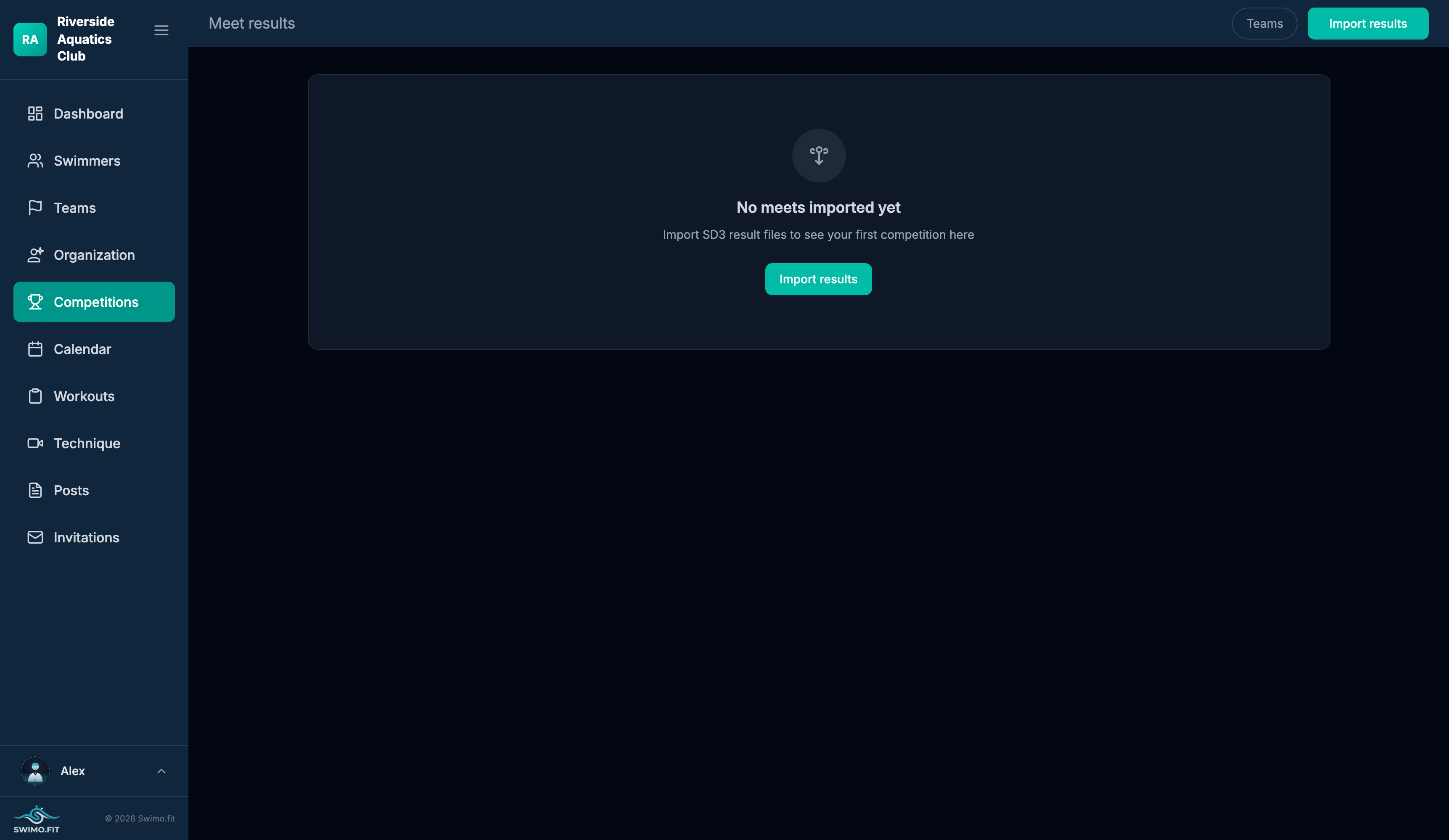
In Swimo.fit, importing a meet is one step: drop the SD3 file, or a whole folder of them, on the Competitions page. Events, heats, lanes, seed and final times land per swimmer; teams and age groups the file mentions are created if they do not exist yet; and personal bests are detected automatically across yards and meters separately, so the swimmer's profile is current the moment the import finishes.
A season of meets becomes an afternoon of drag-and-drop, and every family sees their swimmer's new times and personal bests in their own view without anyone typing a single result.